Edit files in the Documents module
ONLYOFFICE app for Odoo Enterprise allows opening the created files for editing. Just select the needed document in the file list and click the ONLYOFFICE icon on the right-side panel.

Work with office documents uploaded in Odoo using ONLYOFFICE Docs (in any Odoo section where you can upload/attach files). For example, you can edit attached deal notes in the Sales section, open chat attachments in the Discuss section, etc.
ONLYOFFICE app for Odoo Enterprise allows opening the created files for editing. Just select the needed document in the file list and click the ONLYOFFICE icon on the right-side panel.
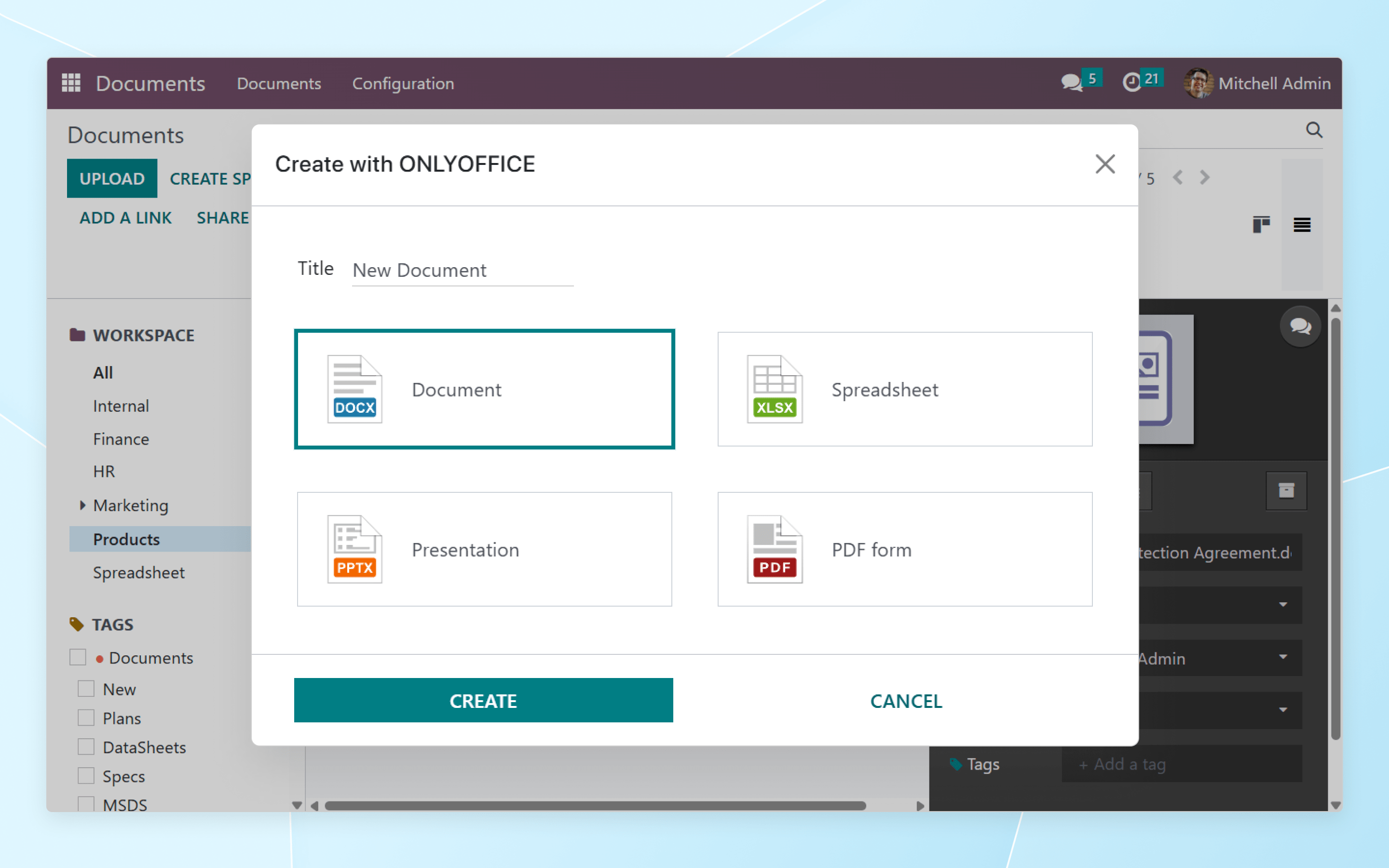
To create new office files (docs, sheets, slides, PDF forms), click Create with ONLYOFFICE on the top panel within the Documents module. Select the file type and specify its name in the pop-up window.